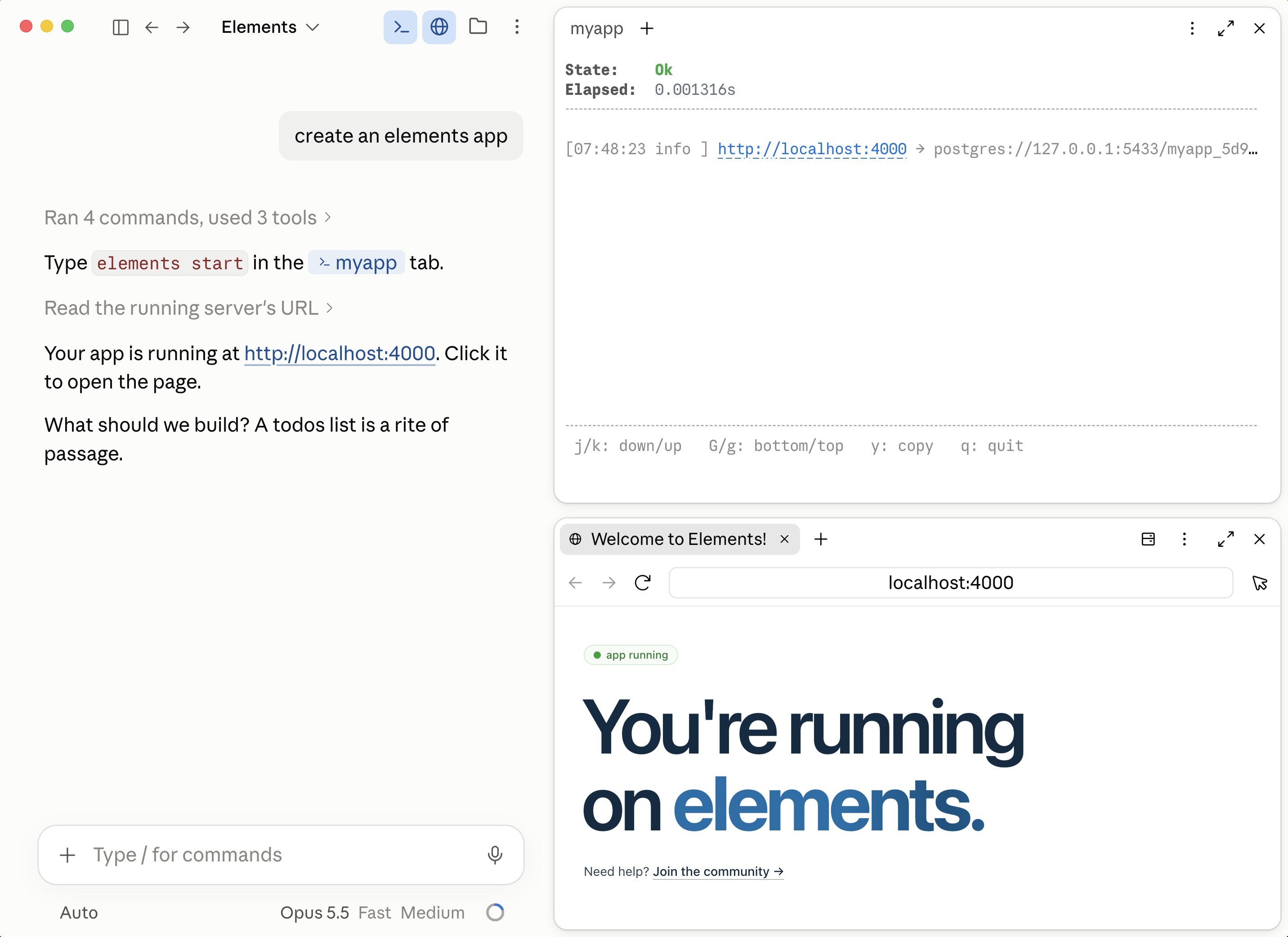
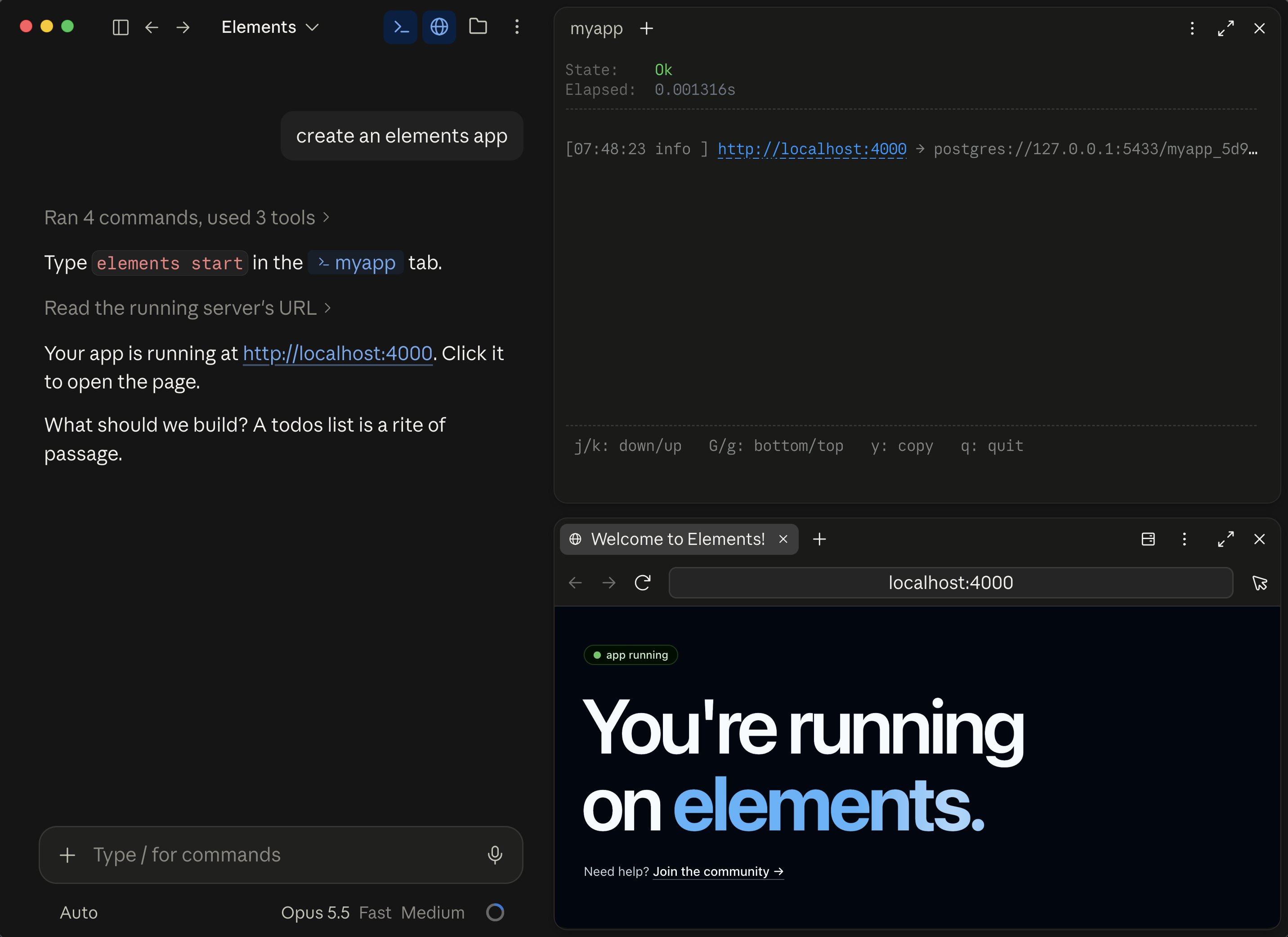
The full stack for building and shipping web apps.

Elements is a project server, build tooling, and an app framework, designed together. You and your agent build against one coherent stack instead of assembling one, so what you ship works the first time. No endless debug cycles, and a predictable price.

Try it:

terminal
# install elements
curl -fsSL 'https://install.elements.dev?os=darwin' | sh && export PATH=~/elements/bin:$PATH
# create an app
cd ~/elements/projects
elements create todos
cd todos
# hand it to your agent
claude "build me a beautiful real time todo app"
microseconds
to query the build
milliseconds
from save to hot reload
seconds
to deploy to production

The Feed

The latest from Elements and the community.

The project server

One project server, always running.

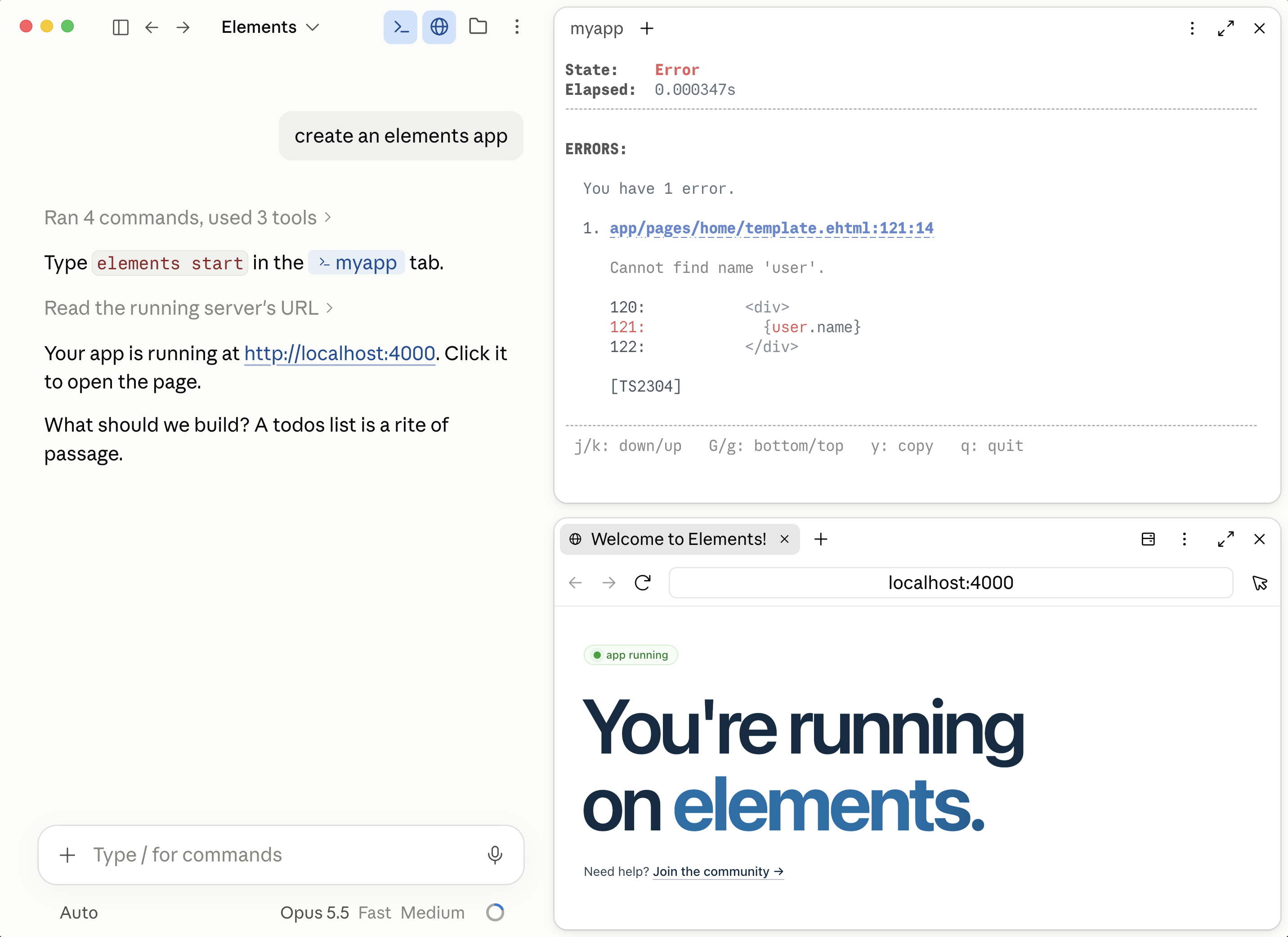
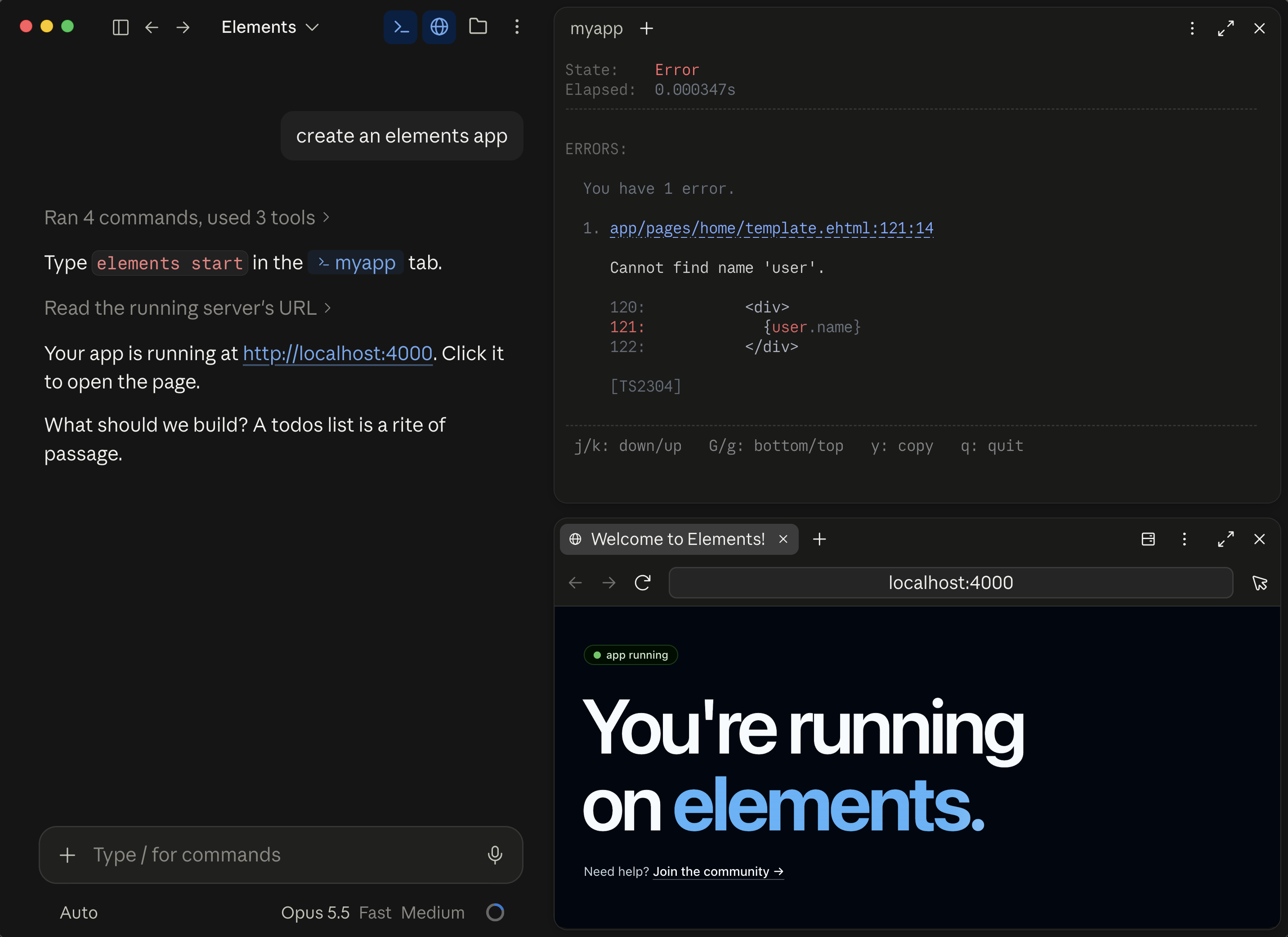
The project server is the command center. It starts up and stays running in the background while you work, watching files, installing packages, compiling, applying migrations, and running the affected tests. Build commands, editors, and agents all connect to the same server. An error in your editor, in your terminal, and in the json an agent reads is the same error, from the same build.

elements build

Build errors in microseconds.

A build installs your packages, compiles your code, applies your migrations, runs your tests, and writes the release. The project server does all of it as you save, so by the time you run elements build the work is done and the command reports the result instantly.

The report comes in two forms. You get the message, the file, the line, and the code around it, laid out to read. Your agent gets the same error as json.

Both come from the project server, and so does the red underline in your editor, over the Language Server Protocol. One server, one build, one answer, whether you asked from a terminal, an editor, or an agent.

you
> elements build
State:Error
Elapsed:0.000002s
ERRORS:
You have 1 error:
1. app/pages/home/test.ts:4:7
Type 'string' is not assignable to type 'number'.
3: test("home", () => {
4:   let n: number = "not a number";
5:   assert(true);
[server]
your agent
> elements build -json
{
"ok": false,
"errorCount": 1,
"message": "The build has 1 error.",
"elapsedSeconds": 0.000002,
"diagnostics": [{
"code": 2322,
"level": "error",
"message": "Type 'string' is not assignable to type 'number'.",
"path": "app/pages/home/test.ts",
"loc": { "line": 4, "column": 7 },
"targets": ["server"]
}]
}
typescript

The fastest TypeScript tooling ever built.

TypeScript Go is imported directly into the Elements source, so the compiler is part of the same program. There is no separate tsc process and no ipc cost. Elements is the first build tooling to directly integrate TypeScript at the code level, and it's even faster than using tsgo: with full type checking, an incremental build is often under 10ms.

you
> elements build
State:Error
Elapsed:0.000006s
ERRORS:
You have 1 error:
1. app/pages/home/template.html:105:60
Property 'nmae' does not exist on type 'string'.
104: <div class="hero">
105:   <h1>{userName.nmae}</h1>
[server]
tests

Tests are part of the build.

They run on every build, not when somebody remembers to run them, and a failing test fails the build. A test reruns when anything it depends on changes, not only when the test itself does, so it runs when it needs to and is skipped when nothing under it moved. They run in parallel, each inside a transaction that rolls back when it ends, and the results arrive with the compile errors in milliseconds. Every rule your app relies on is a test, and every test is rechecked on every save, so the next change cannot quietly break one.

A failing test reports like a compile error: the assertion, the file, the line, the code, and the names of the tests that led to it.

you
> elements test
State:Error
Elapsed:0.000004s
TESTS:
app/lib/prices.test.ts[pass]
└─ prices[pass]
app/pages/home/test.ts[fail]
└─ home[fail]
├─ renders the hero[fail]
└─ lists the feed[pass]
ERRORS:
You have 1 error:
1. app/pages/home/test.ts:5:5
Test equality failed. Got: 1, Want: 2.
4:   test("renders the hero", () => {
5:     equal(1, 2);
6:   });
test: home > renders the hero
your agent
> elements test -json
{
"ok": false,
"message": "The build has 1 error.",
"diagnostics": [{
"code": 200012,
"message": "Test equality failed. Got: 1, Want: 2.",
"path": "app/pages/home/test.ts",
"loc": { "line": 5, "column": 5 },
"breadcrumbs": ["home", "renders the hero"]
}],
"tests": { "total": 38, "passed": 37, "failed": 1 }
}
migrations

Hot reloading migrations.

Migrations are sql files in the project, and they run automatically as part of the build: the project server applies them as you save. Write the file and the table is there, with no command to run and nothing to remember. Each one lands in a single transaction that either applies in full or rolls back in full. Edit one in development and Elements rolls it back and replays it. The schema is versioned in the repository and reviewed like the rest of the code.

> elements create migration "add comments" -tables=comments
State:Ok
created app/migrations/20260828175440-add-comments.migration.sql
security

Secure by default.

Server code cannot reach the browser. Call sql, tx, or session from browser reachable code and the build stops at the call site and names the fix. The boundary is the @rpc function, and it's enforced by the compiler rather than by review.

you
> elements build
State:Error
Elapsed:0.000004s
ERRORS:
You have 1 error:
1. app/pages/home/template.html:160:96
Security error: cannot call server code from
the browser without going through an rpc function.
Try:
  Put the server code inside a function with an
  @rpc build tag. For example:
    /**
     * @rpc
     */
    export function fn() {}
  Then call fn().
160: <a onclick={() => sql(`select 1`)}>
Call stack:
  1. app/pages/home/template.html:160:96 sql
[browser]
The app framework

One integrated app framework.

Everything an app needs is already here. On a bare runtime an agent invents its own router, its own realtime layer, and its own way of changing the database. You maintain all three, and nothing checks any of them. In an Elements project they already exist, they sit in the same place every time, and the build checks how you use them.

reactive html

A brand new reactive html language.

Ten years in the making. The same familiar html, with tastefully designed language extensions and an extremely fast reactive runtime. A template declares strongly typed constructor attributes on its opening tag the way a function declares parameters, public by default or private to the template, and a TypeScript expression goes anywhere html takes a value. Templates import like any other TypeScript export, so you can find and change any one of them in an app that has hundreds. It's built directly into the TypeScript compiler, so templates are type checked, renamed, and refactored like the rest of your code. Write to a reactive attribute and the runtime patches only what reads it, across template boundaries. The page's attributes are live in the browser console as $.

template.html
<html (
title: string,
users: User[],
private form: Form = { name: "" },
)>
<h1>{title}</h1>
<li e:for={user of users}>
{user.name} ({user.age})
</li>
<form onsubmit={() => save(form)}>
<input value={form.name}>
<button>add</button>
</form>
<p e:if={users.length === 0}>no users yet</p>
<p e:else>{users.length} users</p>
</html>
rpc

Call the server like a function.

Tag a function @rpc and call it from the browser. There's no fetch to write, no endpoint to name, and no client to keep in sync. Arguments and return values are checked end to end, and sessions and sql are available inside it.

services.ts
/** @rpc */
export function send(text: string): Message {
session.isLoggedInOrThrow();
return sql<Message>(`
insert into messages (userId, body)
values (${session.getOrThrow("userId")}, ${text})
returning *
`).firstOrThrow();
}
database

Postgres is in the box.

A fresh project builds and runs against a real database with nothing to install and no connection string to paste. Write sql inline. Every value you interpolate becomes a bound parameter at build time, so a sql injection cannot be written in the first place. Nested calls join the transaction they were called from.

services.ts
tx(() => {
let user = sql<User>(`
insert into users (name) values (${name}) returning *
`).firstOrThrow();
sql(`insert into audit (userId) values (${user.id})`);
});
livetable

Realtime is a primitive, not a project.

Publish and subscribe ship with the framework, so you declare what should be live instead of running a service that makes it live. A LiveTable is a set of rows every browser subscribes to: insert one and everyone watching sees it immediately, including the person who added it. Channels carry anything that is not a row. There is no socket server to run, no message broker, and nothing to keep in sync by hand.

index.ts
const comments = new LiveTable<Comment>();
// insert optimistically, everyone watching sees it
comments.insert({ text: "hello" });
What you ship

Deploy in seconds.

One command ships to any Ubuntu box you can ssh into. Your project server talks straight to the one on the deploy machine, so only what changed transfers and rebuilds: the first deploy to a new machine takes a few seconds, and every deploy after that lands in a few hundred milliseconds. Elements provisions the machine, runs the build and the migrations, and cuts over with no downtime. SSL is issued and renewed for you and a load balancer runs on every machine.

elements deploy

One command, any Linux box.

A five dollar Ubuntu machine is a production target. So is a rack in your own building. Add a second machine and traffic spreads across both, with failover if one goes down. Provisioning the machine, creating the system user, installing the systemd units, bringing up Postgres and issuing the certificates all happen inside elements deploy.

> elements deploy
State:Ok
Elapsed:1.2s
built and tested
migrations applied
ssl issued and renewing
load balanced, zero downtime cutover
what users get

Pages arrive as html.

Every page is rendered to html on the server and sent complete. The browser paints it on the first response, with no bundle to download first and no blank frame, and a crawler reads it without running any JavaScript. It becomes reactive as soon as the page attaches. You write no configuration for any of that.

> curl elements.dev
<h1 class="hero-title">
The full stack for building and
shipping web apps.
</h1>
<p class="hero-para">Elements is one
program you install…</p>
// the page is already there, before
// a single byte of javascript runs
caching

The second visit costs almost nothing.

Every asset is named by a hash of its contents, so it can be cached for six months and marked immutable. A returning browser does not ask about them at all: no request, no round trip, no revalidation. Change a file and its name changes with it, so the new one is fetched and every other one still comes from disk. There is no cache to bust and no version query string to remember.

Pages carry an ETag and revalidate, so a page that has not changed comes back as a 304 with no body. Ship a one-line edit and a returning visitor downloads that one file.

you
> curl -I elements.dev
HTTP/2 200
cache-control: public, no-cache
etag: "WEhAyUBdTpS3uSuIE6DnoA"
> curl -I elements.dev -H 'if-none-match: "WEhAyUBdTpS3uSuIE6DnoA"'
HTTP/2 304
> curl -I elements.dev/assets/app/pages/home/style.93d58828.css
HTTP/2 200
cache-control: public, max-age=15552000, immutable
What you pay for

You pay for the tools, not the output.

Elements is a subscription for the tooling, licensed per machine. One subscription covers the machine you build on and the machine you deploy to. The price is the same next month and the month after, whatever the app does in between.

no metering

Nothing is metered.

Not requests, not users, not bandwidth, not build minutes, not seats. A launch that goes well costs the same as one that doesn't, so you can price your own product without working out what it does to your bill.

no lock-in

The output is yours.

The code is on your disk in plain files, and what the build produces is a Node.js app you can run with node. The runtime packages you build against are MIT licensed. We pledge to keep you as a customer by making the best tools in the world, not by locking you in.

Coming from an existing app

Convert your existing apps.

Porting is translation, not design, and translation is what agents are good at. Every piece of your current app has one place to go: pages become route handlers and templates, api endpoints become @rpc functions, orm calls become sql, your schema becomes migrations, and each test moves next to the page it covers. Each piece has one place it goes, so the agent isn't choosing an architecture, and the build tells it the moment it gets one wrong.

porting

Point an agent at it and walk away.

There's no migration to plan. Point the agent at your existing app and tell it to convert the app. It scaffolds the pages, moves the markup, turns endpoints into @rpc functions, writes the migrations, and runs elements build -json as it goes, fixing what it broke until the build is green. What you end up with is a smaller, faster, more maintainable codebase, checked by the compiler and covered by tests, on your own machine and ready for a commodity Linux box, for a predictable price.

It's time to build.

One install. Everything you need to build and ship a web app.

Install Elements